


How to Use Jatter Chats
Type in the Ask Jatter bar to use the Chats app
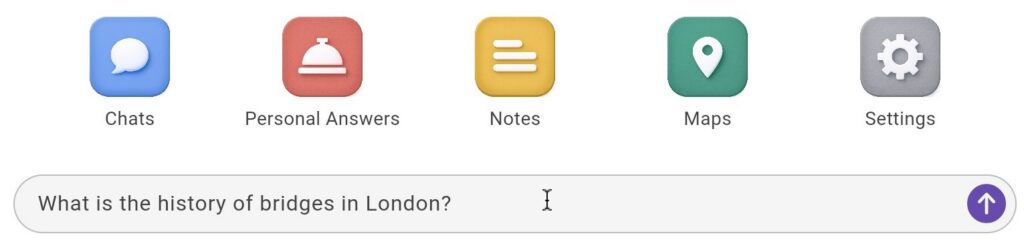
Jatter will answer your question
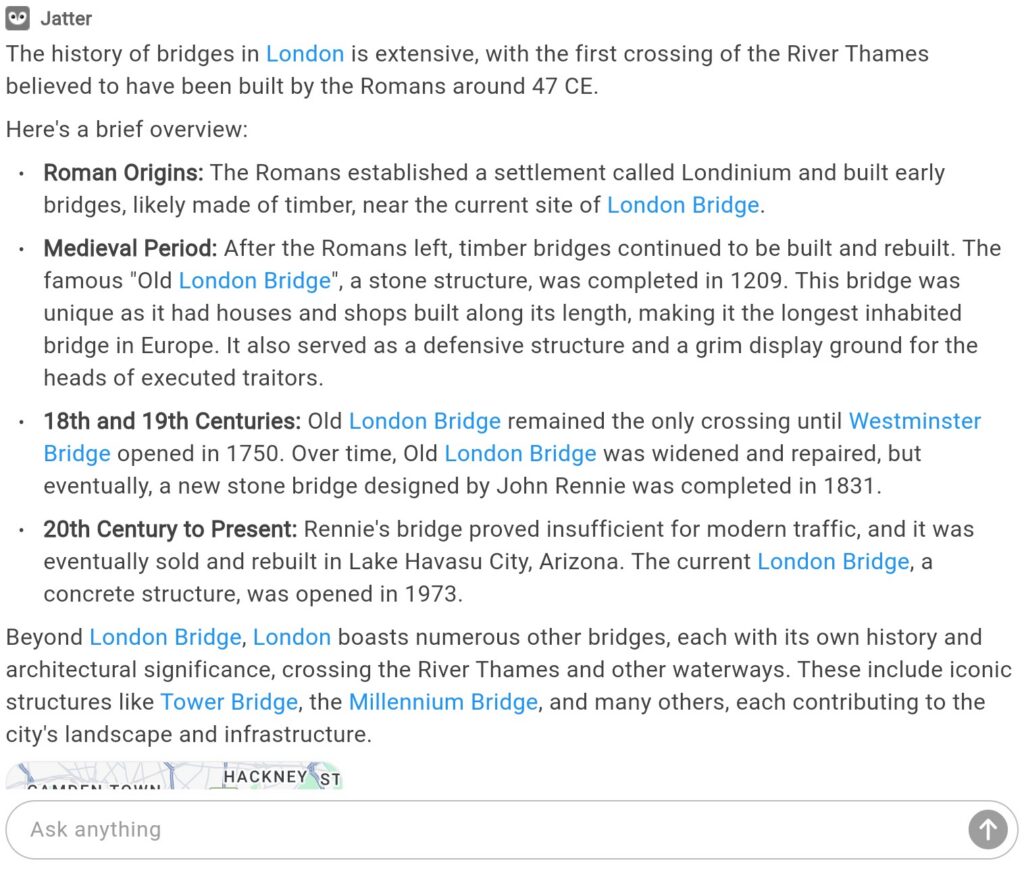
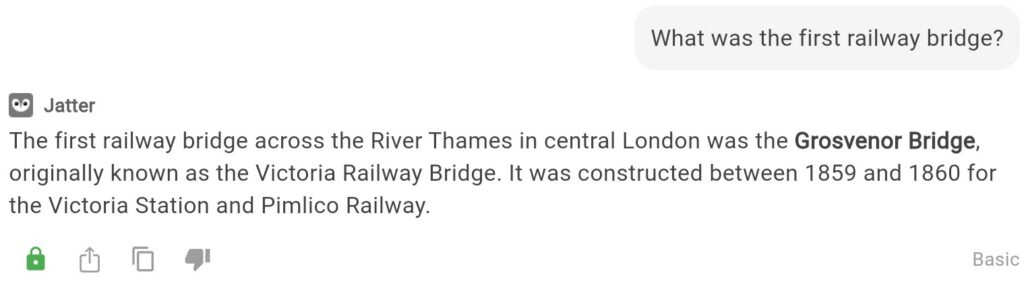
You can ask a followup question in the chat thread without repeating the context. In this example, the user asked about the history of bridges in London. The follow up question about the first railway bridge does not mention location, as Jatter already knows that
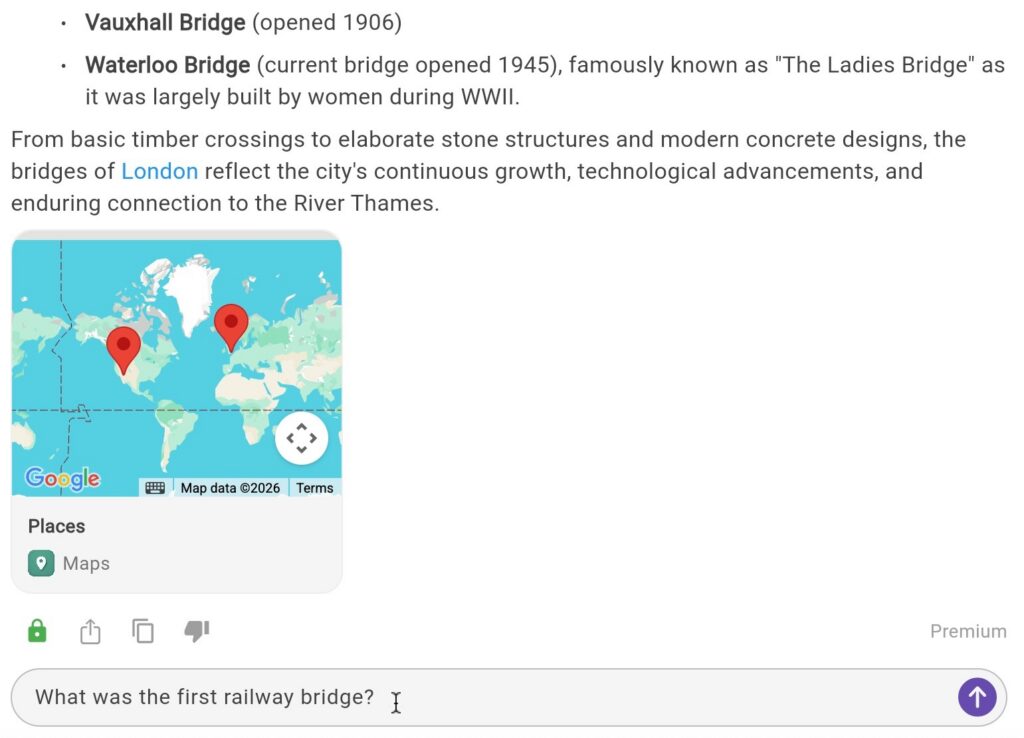
If you ask Jatter about something that can not be answered using an LLM such as a recent event, it will search the web
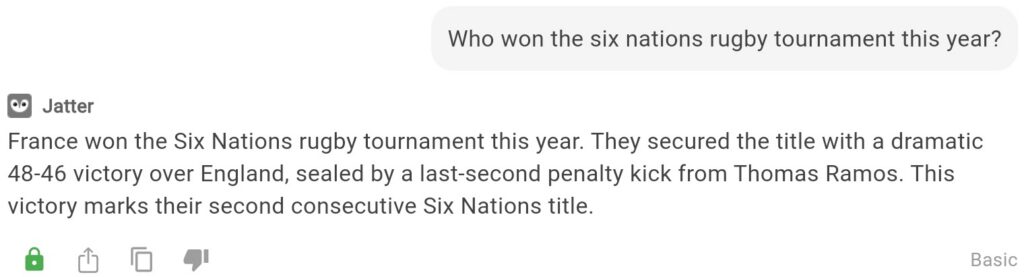
Once you have the chat answer you can share it by clicking the share button. From there you can generate and copy a link that can be pasted and shared.


You can copy a chat by clicking on the copy button, which will copy the contents to your clipboard to be pasted elsewhere.

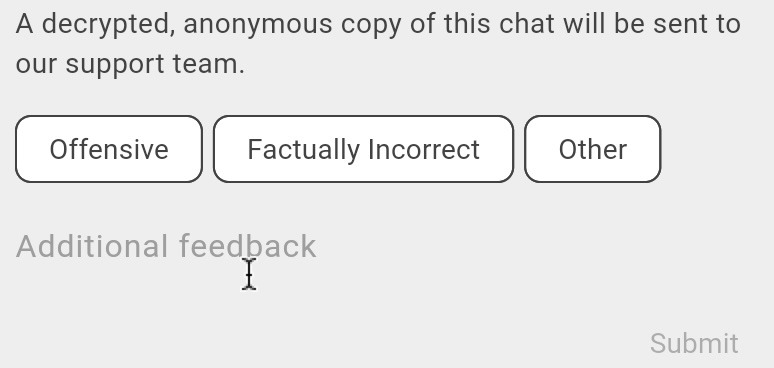
If an answer is unsatisfactory, you can report it by clicking the thumbs down button

From there, you can tell us the reason for the report and add a comment
When you ask a question in Chats, Personal Answers, Notes, or Maps, they are all listed under Chats.
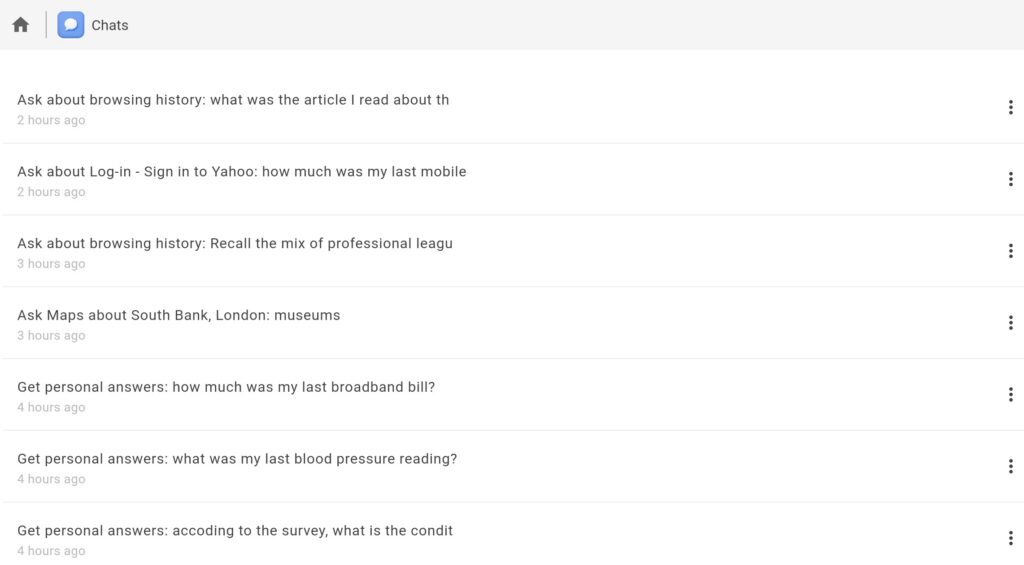
To delete a chat, click the three dots to the right of the chat you wish to delete and click Delete.
Troubleshooting tip
If you experience slow response times while using Jatter, try deleting old chats.