


Personal Answers turns your browsing into a source of insight—so you can ask questions about your own digital world and get meaningful answers.
As you browse, Jatter securely learns from the websites you log into—like financial accounts, tools, and services—building a private understanding of your data. This allows Personal Answers to provide AI-powered answers grounded in your real activity, not just the public web. You have full control over which websites are learned.
To help you get started, Personal Answers generates smart prompt suggestions based on the sites you’ve learned. Instead of wondering what to ask, you’ll see relevant questions tailored to your data—making it easy to uncover insights with a single tap.
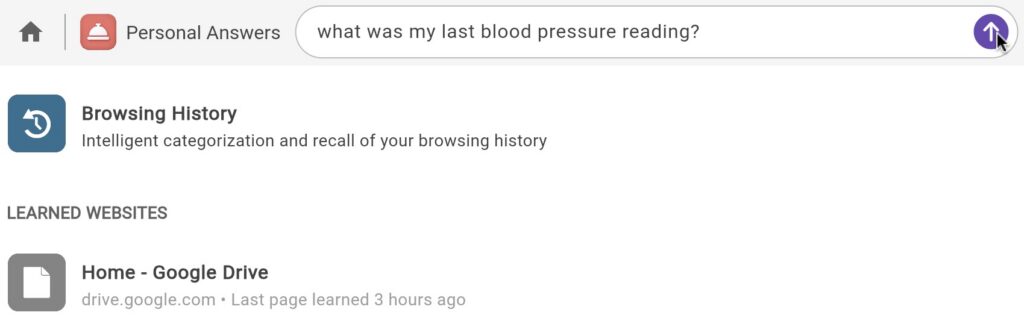
In the following example, the user enables Jatter to learn their health portal site. From the Personal Answers app, they can ask what their last blood pressure reading was in the field on the top of the page and click the arrow. Jatter will then answer based on the learned data.

It also learns from your browsing history, so you can recall pages by topic, not memory. Ask things like “Where was that article about mortgage rates?” or “Show me the recipe I looked at last week,” and Jatter will find it—no bookmarks or dozens of open tabs required.
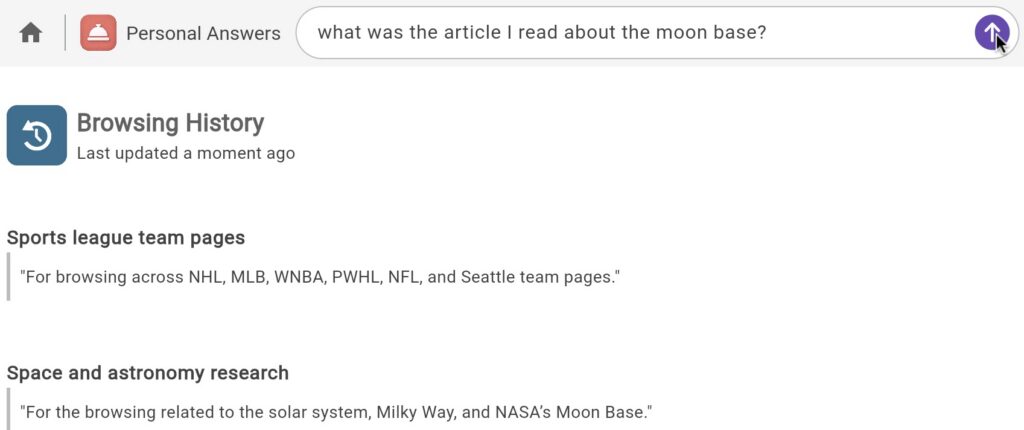
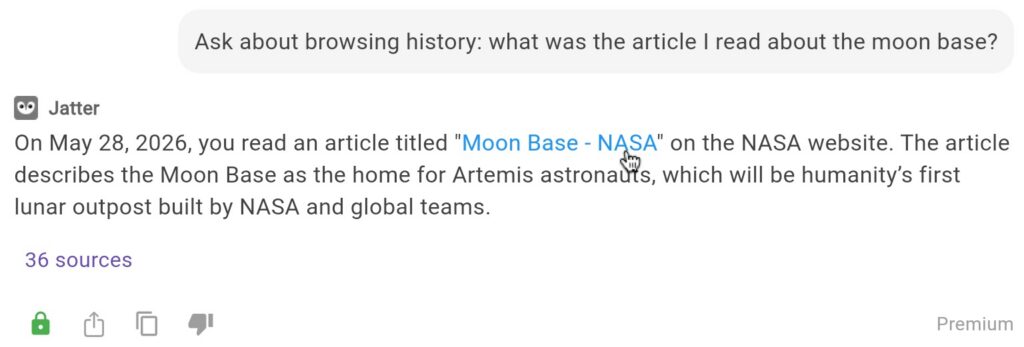
In the following example, the user read an article about a moon base, but didn't remember where. They ask Jatter, which replies with details about the article, when it was read, a short explanation, and a link.
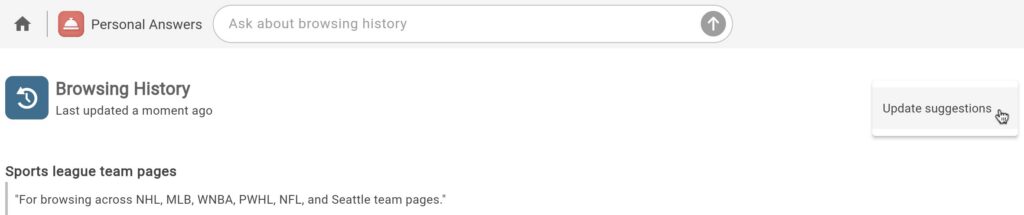
To update the browsing history suggestions, click the three dots on the right of the screen and click Update suggestions
Personal Answers replaces searching, remembering, and organizing with something simpler:
Just ask.
Users should note that there is currently a 10mb size limit on each individual file that Jatter can learn.