Skip to content
Home
Learn More
Pricing
Help
Get Started
Download
Download
Home
Learn More
Pricing
Help
Get Started
Print from Jatter
Help
|
Settings & Personalization
|
Print from Jatter
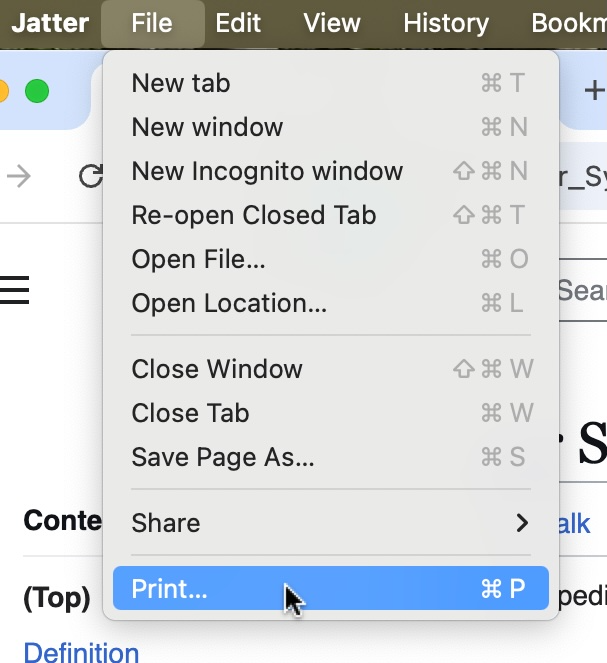
To print from Jatter, go to File >
Print
. This will bring up the print setup screen
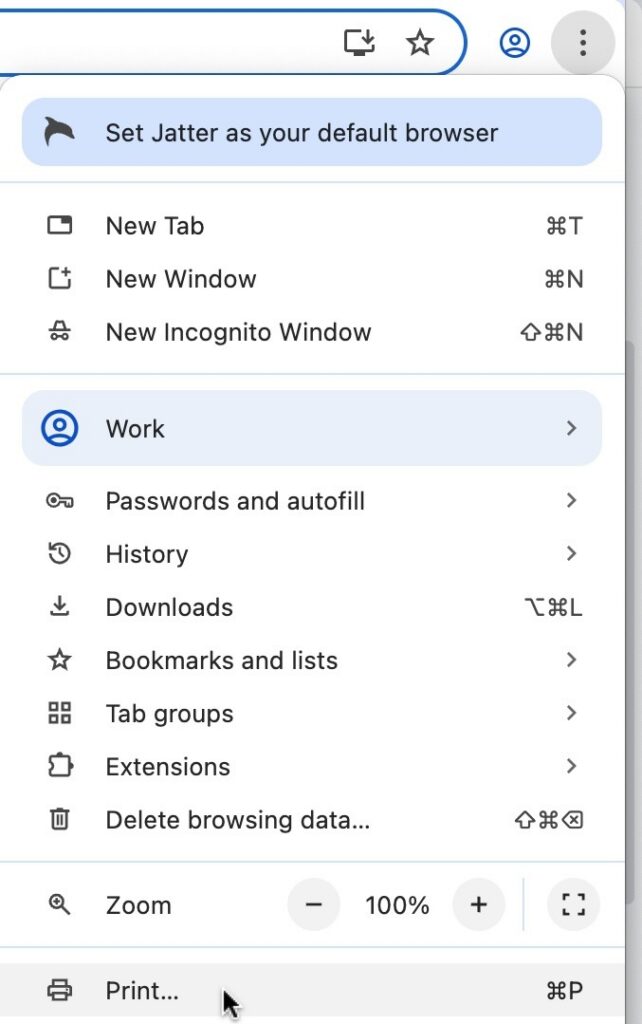
You can also go to the print setup screen by clicking on the three dots in the upper right corner of your screen and clicking
Print
Get Started Now
with Jatter
Enter your name and email to download the Jatter browser.
Name
Email
Download Jatter