


You can manage how Jatter uses and autofills stored passwords by going to Settings > Autofill and passwords > Password Manager
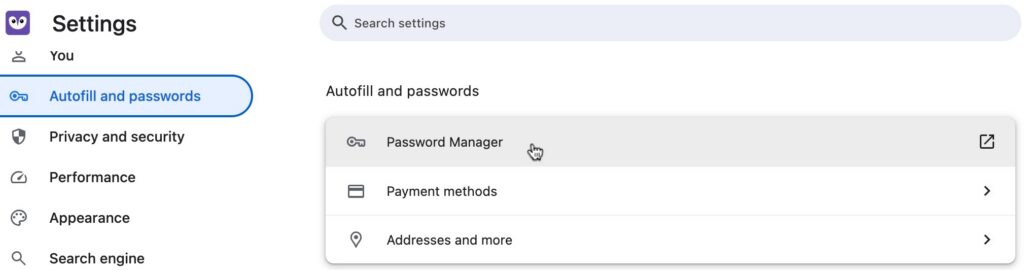
From this page, click Passwords to see and search for stored passwords

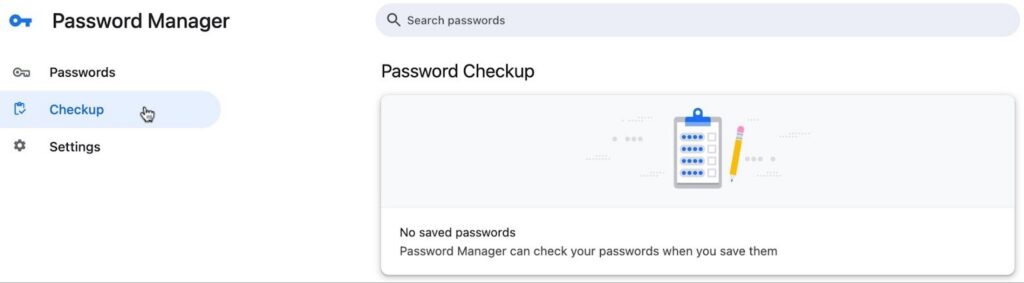
Click Checkup to reach Password Checkup, which will tell you if any of your passwords are weak or known to be compromised
Click Settings to manage Jatter password settings
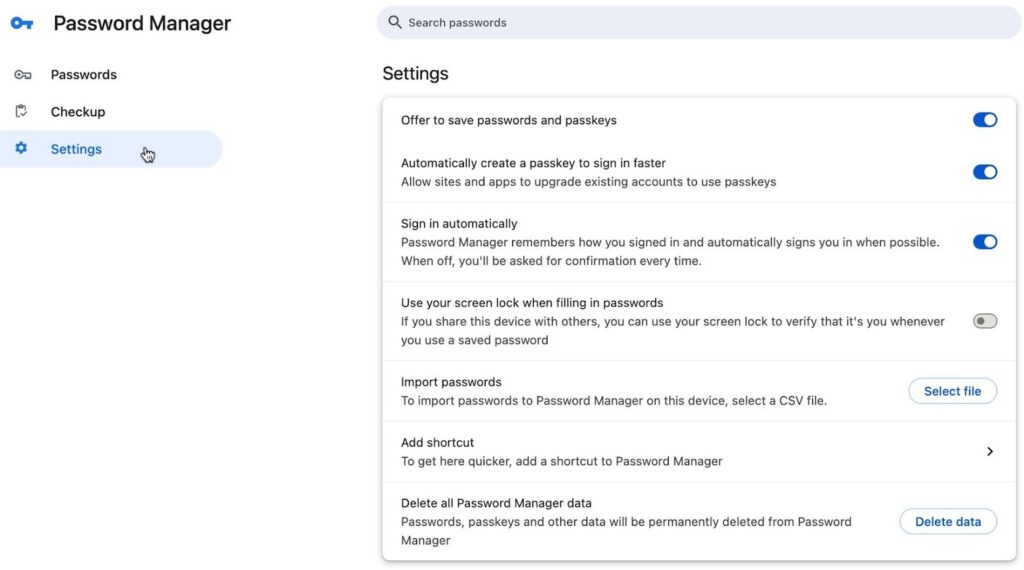
From this page, you can control whether:
- Jatter offers to save passwords for sites you visit
- You will be signed in automatically when a password is saved for a site
- You will use your screenlock when filling in passwords
You can also import passports from a CSV file, add a shortcut to the password manager, and delete all stored password data from Jatter