

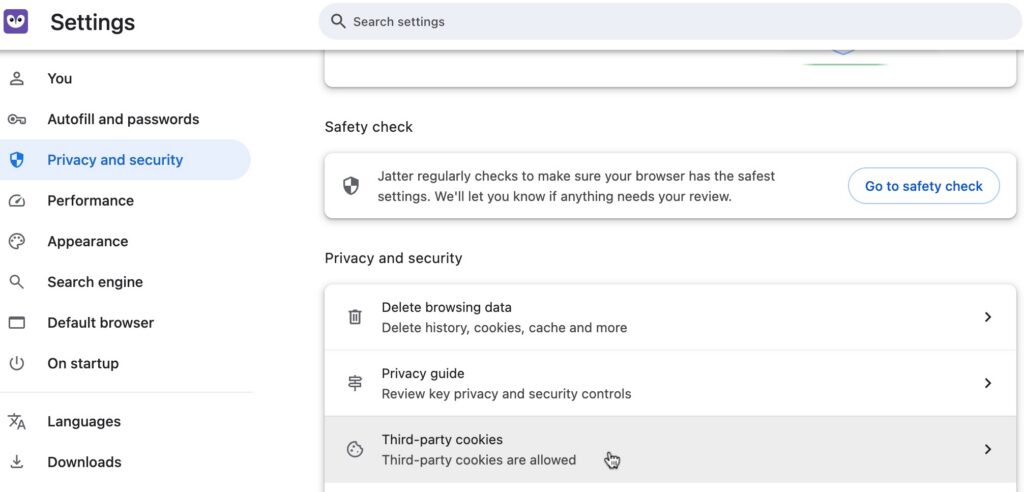
To manage cookies, go to Settings > Privacy and security > Third party cookies
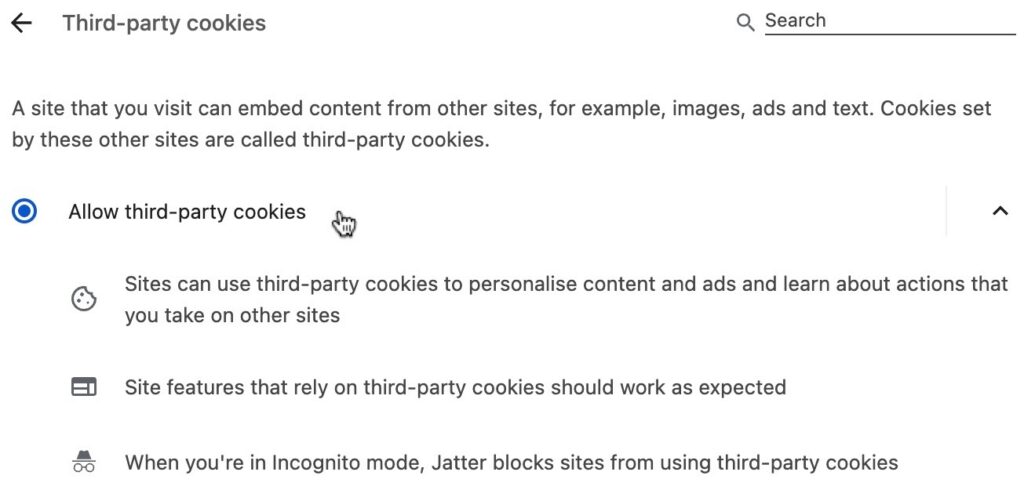
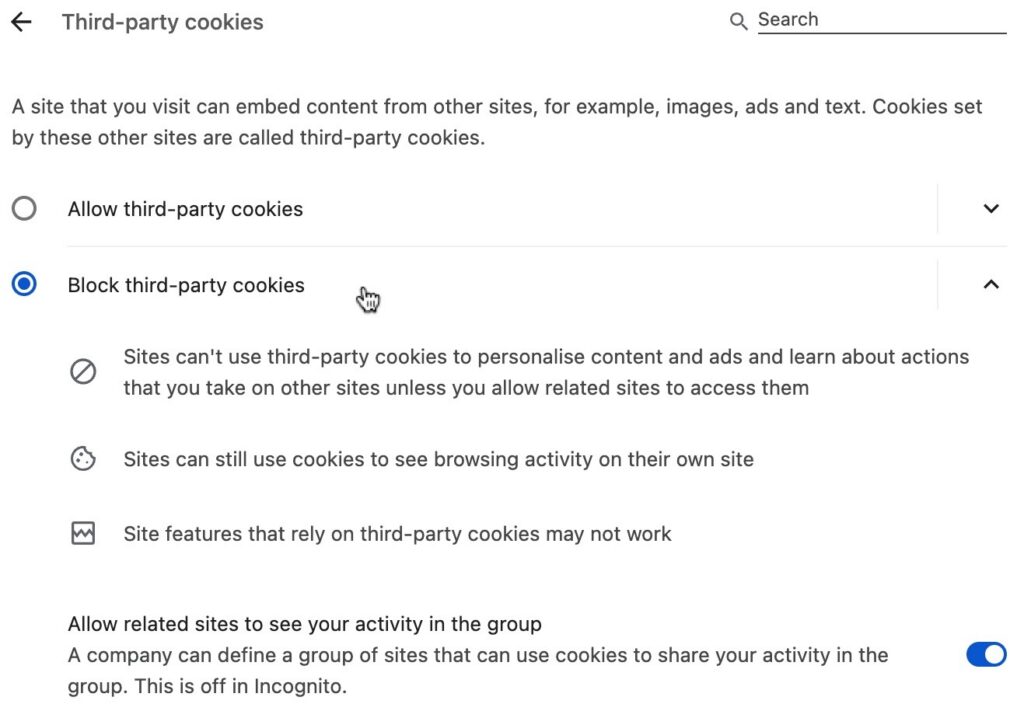
From this page, you can choose to allow or block cookies and read about what those choices mean
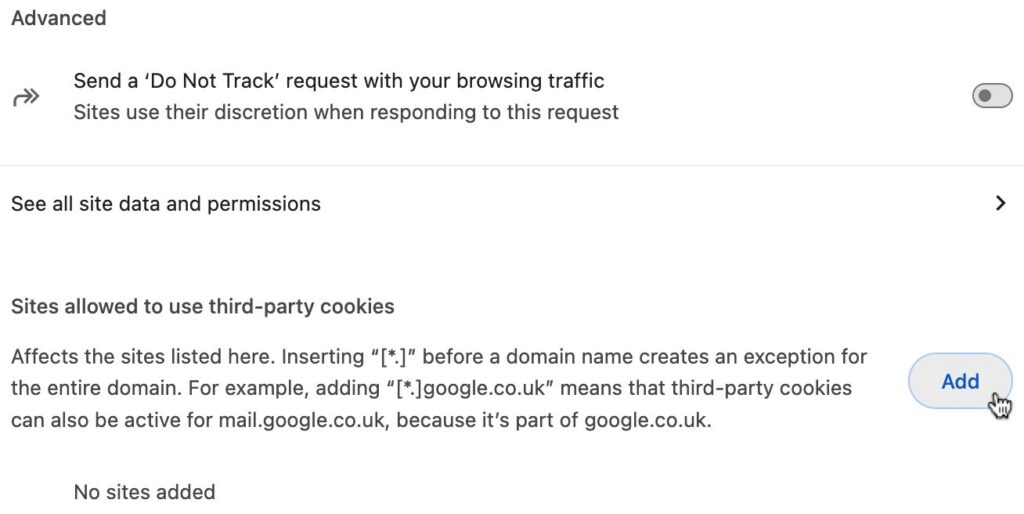
In the Advanced section of the page, you can choose to send a ‘Do Not Track” request, See all site data and permissions, and choose which sites to allow third-party cookies from. This is useful if you wish to block cookies but allow them from certain sites as an exception.
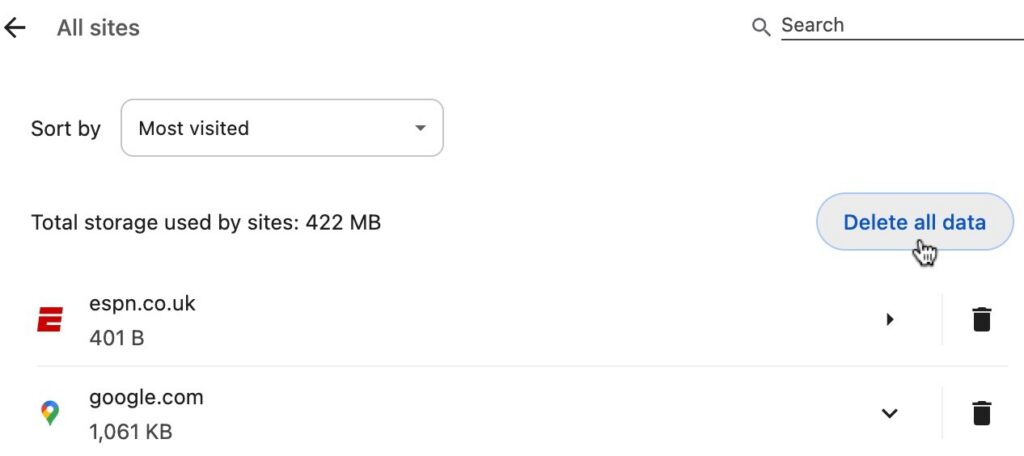
To delete cookies, click See all site date and permissions. From this page, you can click the trash can icon to the right of a particular website to delete cookies individually. To delete all cookies and data from all sites at once, click Delete all data.