


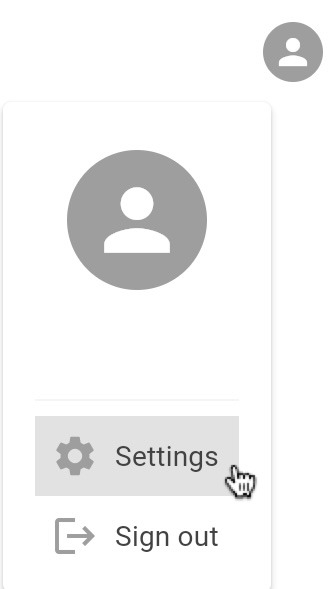
To cancel your Jatter Plus subscription, make sure you are signed in to your Jatter account. Go to Jatter user settings by clicking on the user icon in the top right of the screen and clicking Settings.
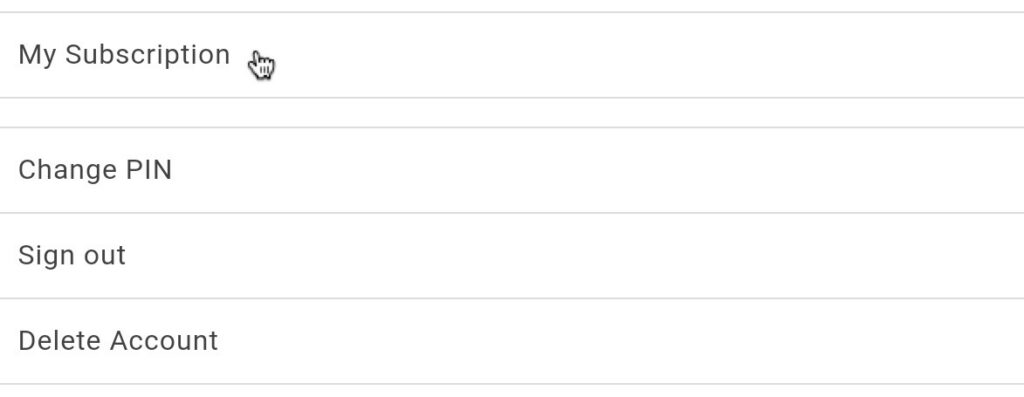
From there, click My Subscription.
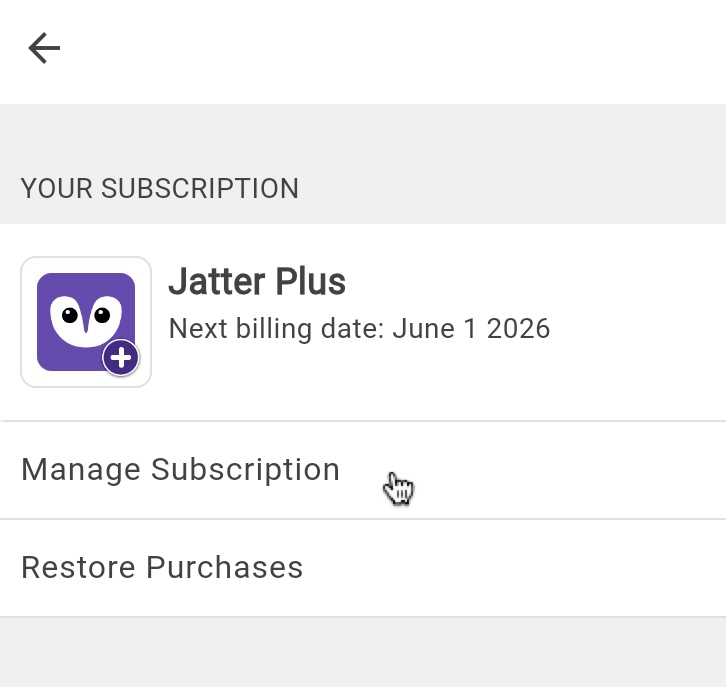
On the Your Subscription page, click Manage Subscription
To cancel your subscription, click Cancel subscription in the top right corner of the page. To continue with cancellation, click Confirm. If you cancel your subscription, it will still be available until the end of your billing period.