

How to Use Notes App
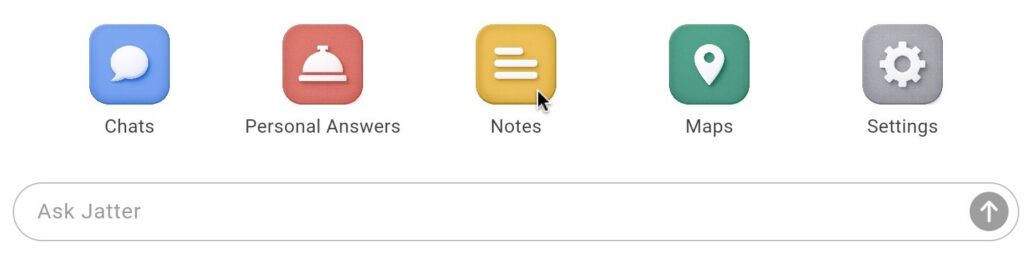
To access the Notes App, click on Notes on the Jatter home page
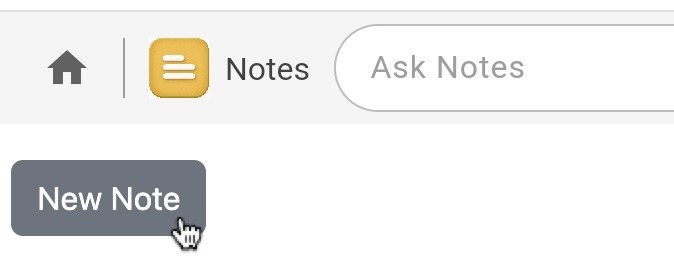
To create a new note, click New Note
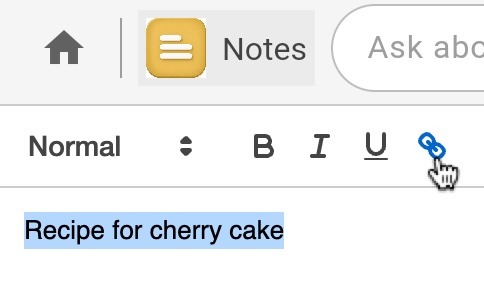
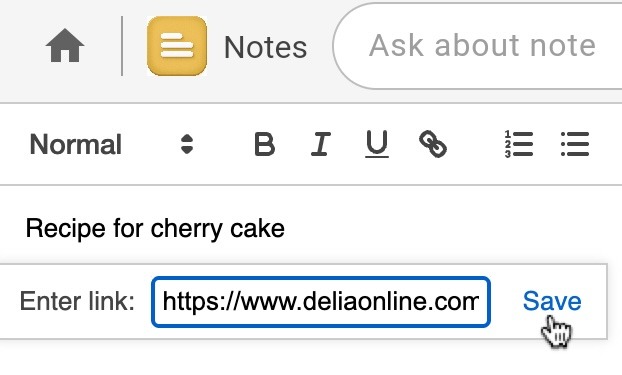
You can type or paste into the field and use basic text editing tools. To create a hyperlink, select the text that you wish to turn into a link and click the link symbol
Add URL you wish to link to in the field and click save
How to use Ask Notes
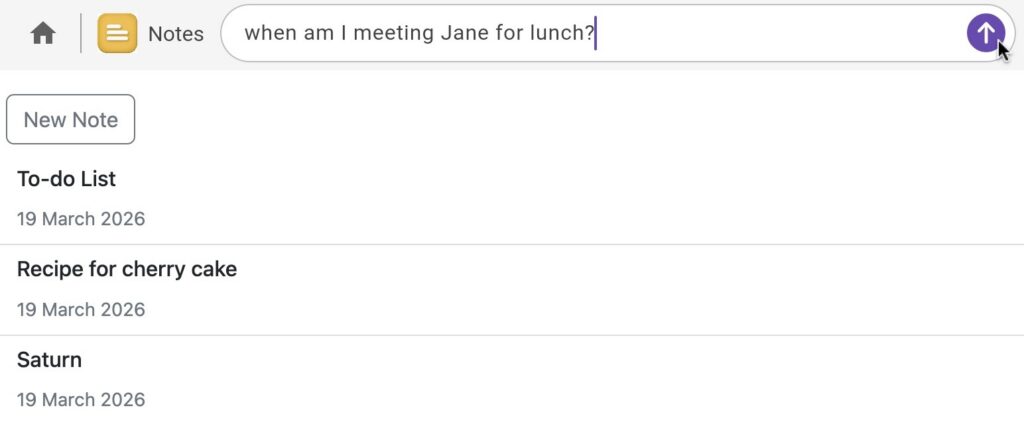
If you are looking for specific information in any of your notes, you can ask Jatter about it.
- Type your question into the ask notes field and submit
- Or you can select a specific note and ask there
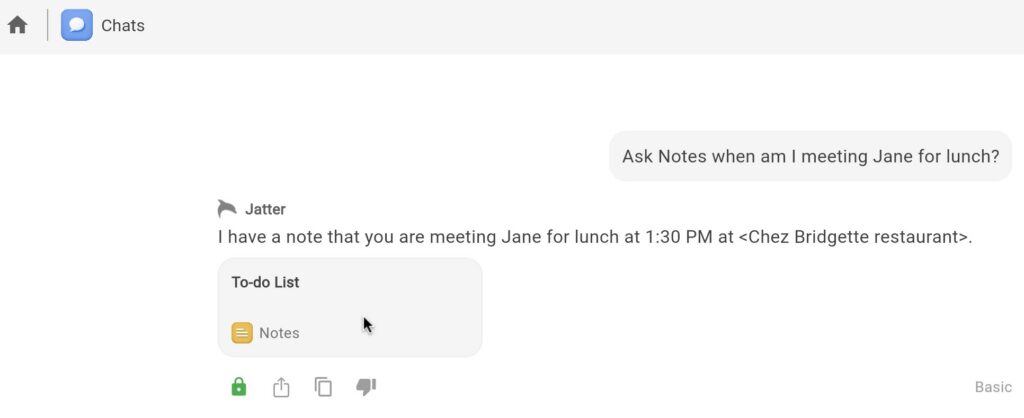
- Jatter will parse the note and answer your question
How to delete a note
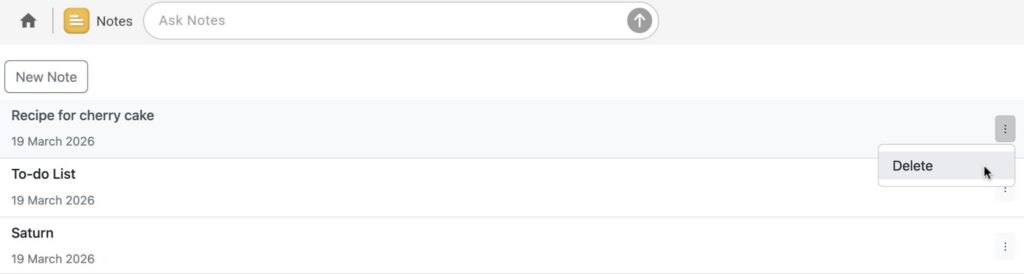
- Click on the three dots in the right of the screen of the note you wish to delete and click Delete
- At the prompt, click Okay if you wish to delete the note or Cancel if you do not