


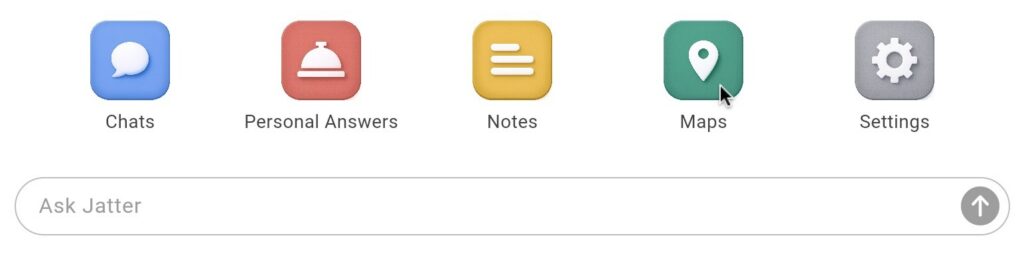
To access the Maps App, click on Maps in the Jatter home page
The Maps App allows you to ask Jatter about the location shown on the map. To change the searchable location:
- You can drag the map by left-clicking it to grab and move with your mouse
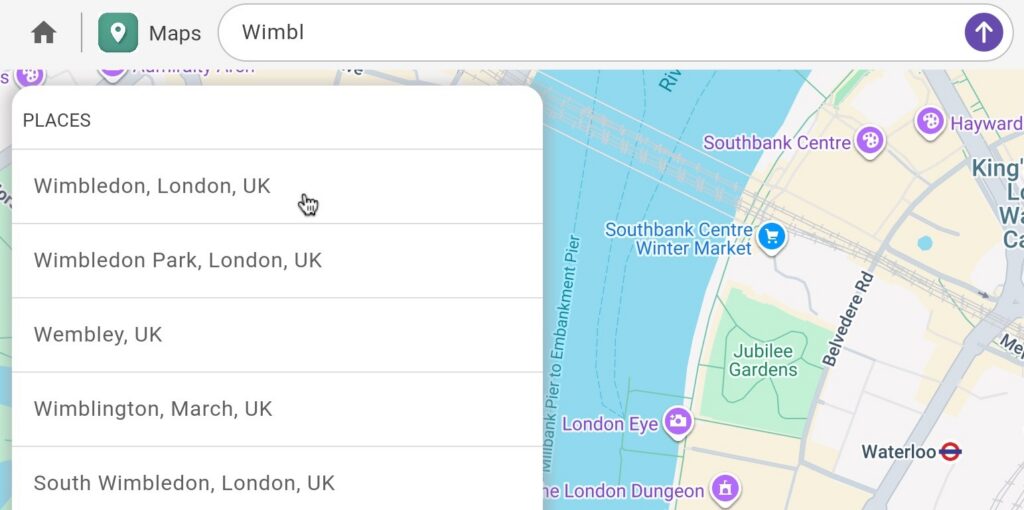
- Alternatively, you can click the text field and begin typing a location
- As you type, a list of location options will populate and can be selected
Once a location has been chosen, you can type questions into the text field and receive answers relevant to that location. For example, if the location is “Westminster, London” and you type “Department stores,” you will be shown links to department stores in that area.
You can also click on the suggestions or build questions using the prompt builder.
To try the suggestions, just click on one of them and the question will be automatically submitted and answered.
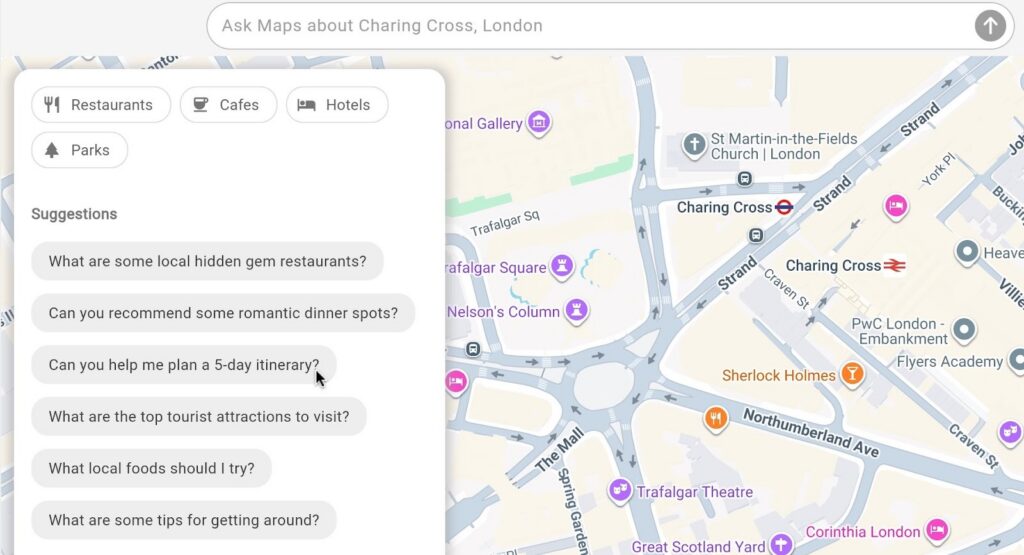
In this example, “Can you help me plan a 5-day itinerary?” resulted in the following answer:
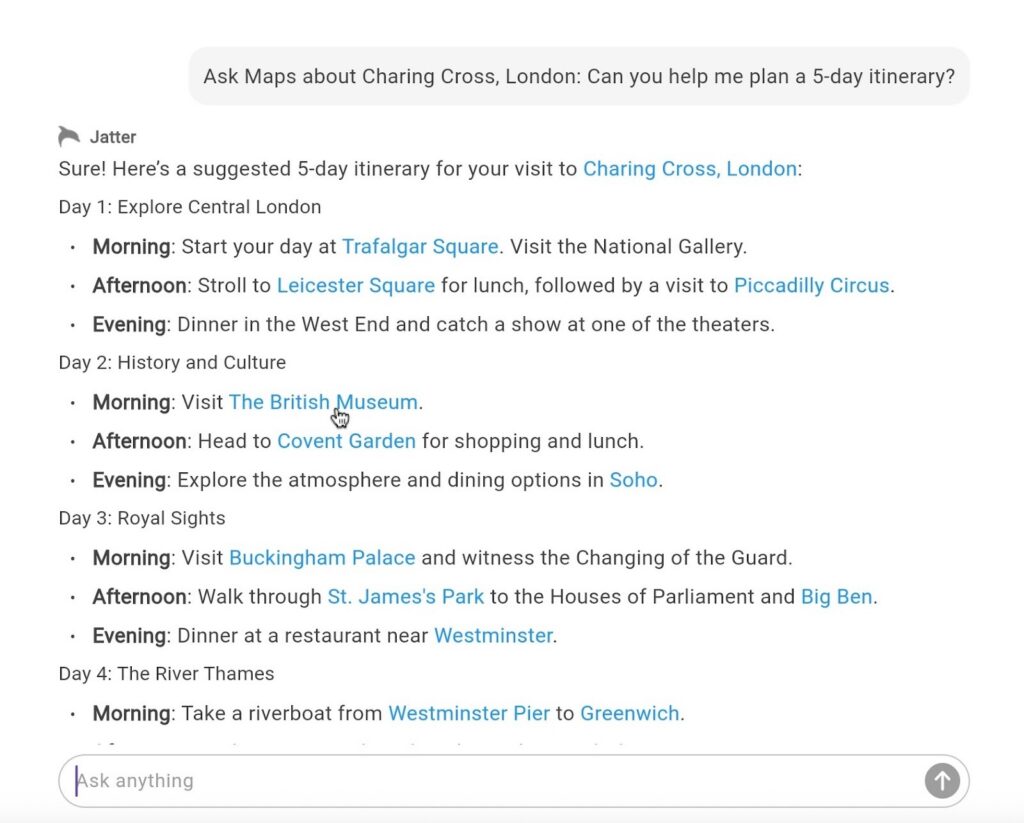
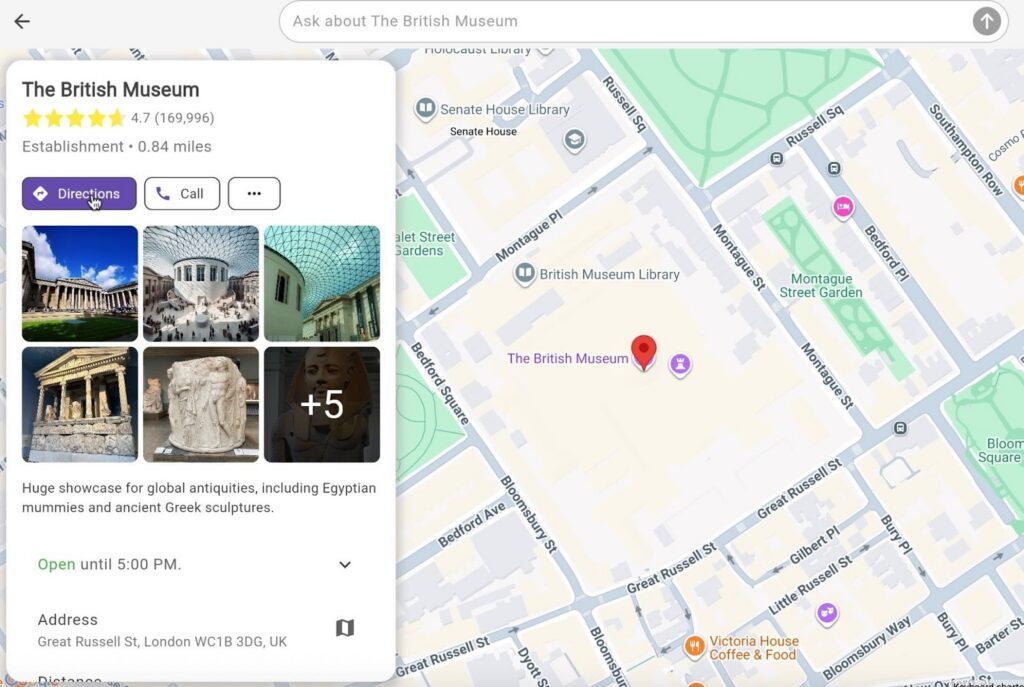
Clicking on the links will give further information about the particular place, including photos, reviews, options to get directions, opening times, etc.
To use the prompt builder:
- Click on the category you wish to ask Maps about; either Restaurants, Cafes, Hotels, or Parks
- You may then choose some attributes that, when clicked, will populate the text field above. More than one choice can be selected in each section here
- Once you have made your selections, submit the question in the text field
