Skip to content
Home
Learn More
Pricing
Help
Get Started
Download
Download
Home
Learn More
Pricing
Help
Get Started
Install and manage extensions
Help
|
Settings & Personalization
|
Install and manage extensions
Go to Settings >
Extensions
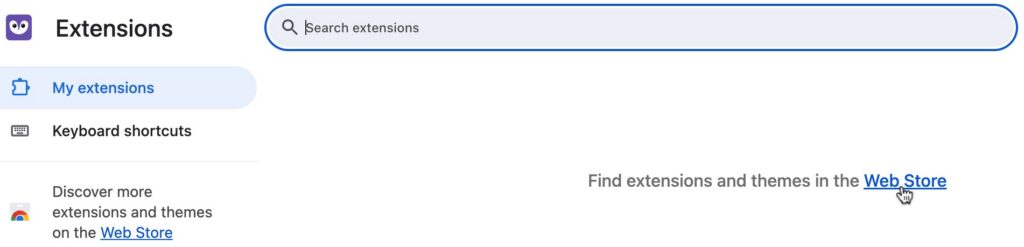
From the
Extensions
page you can see and manage your installed extensions or click on the link to the web store to browse available extensions